1. Go to https://my.rous.nsw.gov.au/ or download the app and select Sign up.
2. Select your profile type.
2. Select your profile type.
3. Add your details as prompted and press Next.
4. Start typing your address to verify.
5. Enter your reference number and meter number or choose to Skip and add later in Edit Profile. NOTE: You will need to enter your meter number to view water usage data. Click here for help finding your meter and property numbers.
6. During sign up, you will be prompted to enter your mobile number (make sure you enter it correctly, in the format ‘0412345678’).
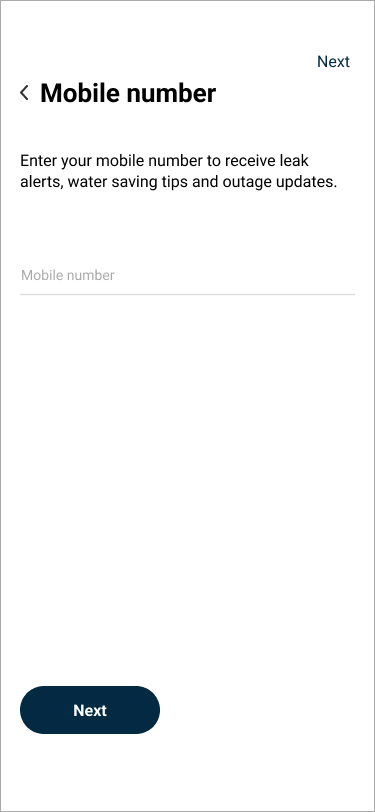
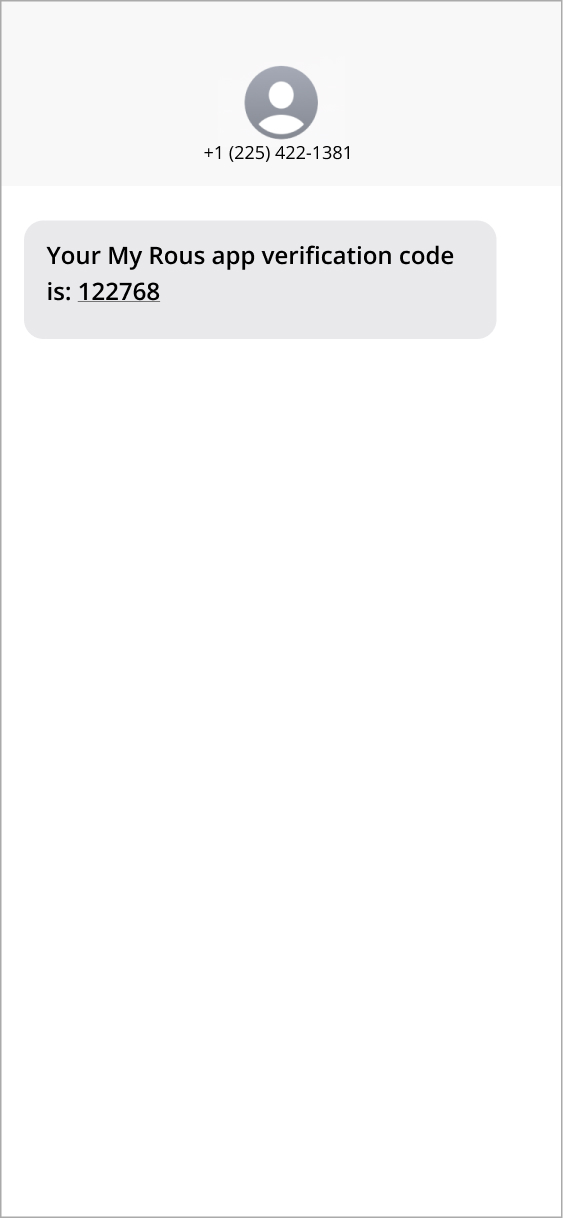
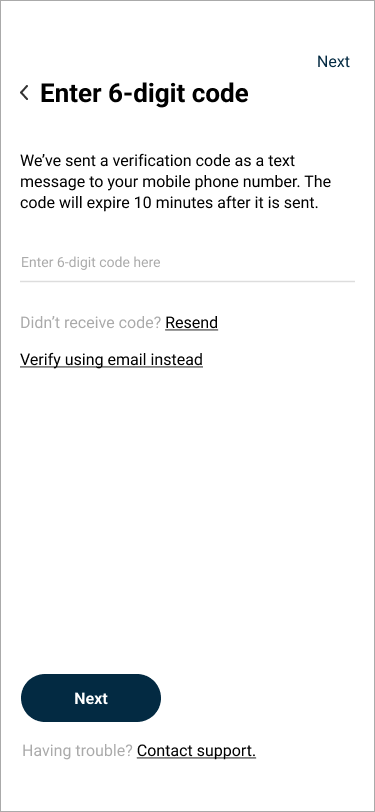
7. After entering your number, tap Next to automatically receive your one time 6-digit verification code. Once you’ve entered the code, you can continue with the final steps to complete your sign up.
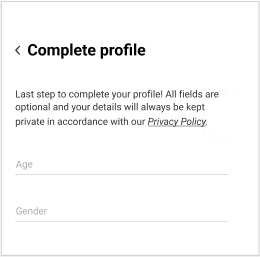
8. Complete your profile and tap Next.
9. Your account setup is now complete! You will receive a welcome email that verifies your account.
5. Enter your reference number and meter number or choose to Skip and add later in Edit Profile. NOTE: You will need to enter your meter number to view water usage data. Click here for help finding your meter and property numbers.
6. During sign up, you will be prompted to enter your mobile number (make sure you enter it correctly, in the format ‘0412345678’).
7. After entering your number, tap Next to automatically receive your one time 6-digit verification code. Once you’ve entered the code, you can continue with the final steps to complete your sign up.
8. Complete your profile and tap Next.
9. Your account setup is now complete! You will receive a welcome email that verifies your account.